TimeClock Plus3.0.1.10
Publisher Description
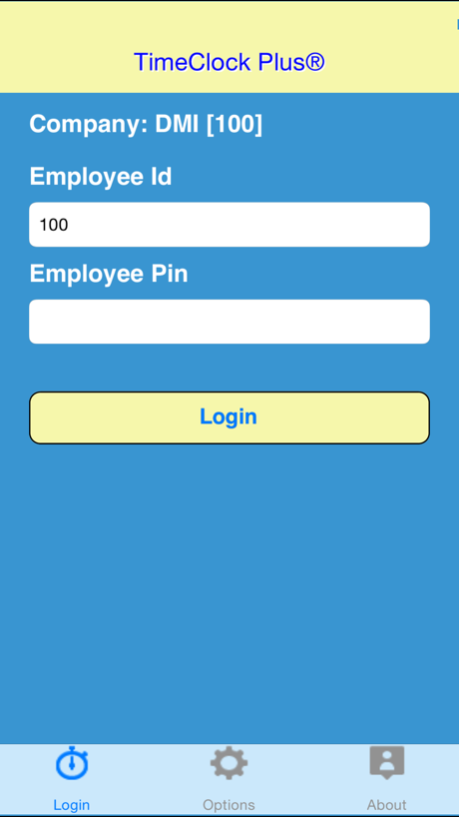
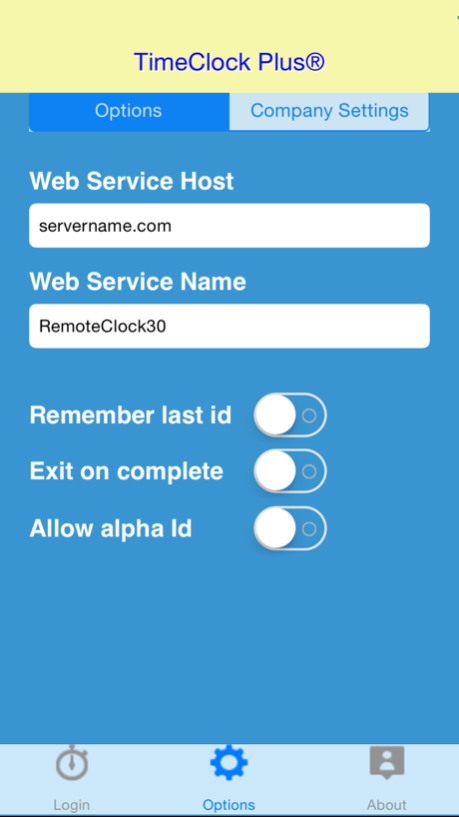
Used in conjunction with TimeClock Plus Professional Edition 6.0 or Web Edition 3.0, our Mobile App for iPhone gives employees the flexibility to perform clock transactions from the convenience of their iPhone using Wifi or 3G/4G connectivity.
Now in our 26th year, TimeClock Plus has been the pioneer in real-time employee time and labor management technology. Today, we take advantage of both our Professional Edition 6.0 Client/Server-based timekeeping solution, as well as our customers or SaaS hosted web-based application, Web Edition 3.0. Our consistent efforts to offer the newest in advanced employee time keeping systems with secure proximity readers or biometric employee authentication helps to ensure that TimeClock Plus delivers consistently accurate and critical employee data to frontline decision makers in real-time, to help manage costly labor resources.
By clicking "Install", you agree to the Software License Agreement found at http://www.timeclockplus.com/eula
For more information, call 1-800-749-8463.
Sep 24, 2015
Version 3.0.1.10
This app has been updated by Apple to display the Apple Watch app icon.
Fixed issues with iOS 9.0 Compatibility
About TimeClock Plus
The company that develops TimeClock Plus is Data Management Inc.. The latest version released by its developer is 3.0.1.10.
To install TimeClock Plus on your iOS device, just click the green Continue To App button above to start the installation process. The app is listed on our website since 2015-09-24 and was downloaded 1 times. We have already checked if the download link is safe, however for your own protection we recommend that you scan the downloaded app with your antivirus. Your antivirus may detect the TimeClock Plus as malware if the download link is broken.
How to install TimeClock Plus on your iOS device:
- Click on the Continue To App button on our website. This will redirect you to the App Store.
- Once the TimeClock Plus is shown in the iTunes listing of your iOS device, you can start its download and installation. Tap on the GET button to the right of the app to start downloading it.
- If you are not logged-in the iOS appstore app, you'll be prompted for your your Apple ID and/or password.
- After TimeClock Plus is downloaded, you'll see an INSTALL button to the right. Tap on it to start the actual installation of the iOS app.
- Once installation is finished you can tap on the OPEN button to start it. Its icon will also be added to your device home screen.
Program Details
System requirements
Download information
Pricing
Version History
version 3.0.1.10
posted on 2015-09-24
Sep 24, 2015
Version 3.0.1.10
This app has been updated by Apple to display the Apple Watch app icon.
Fixed issues with iOS 9.0 Compatibility
